




























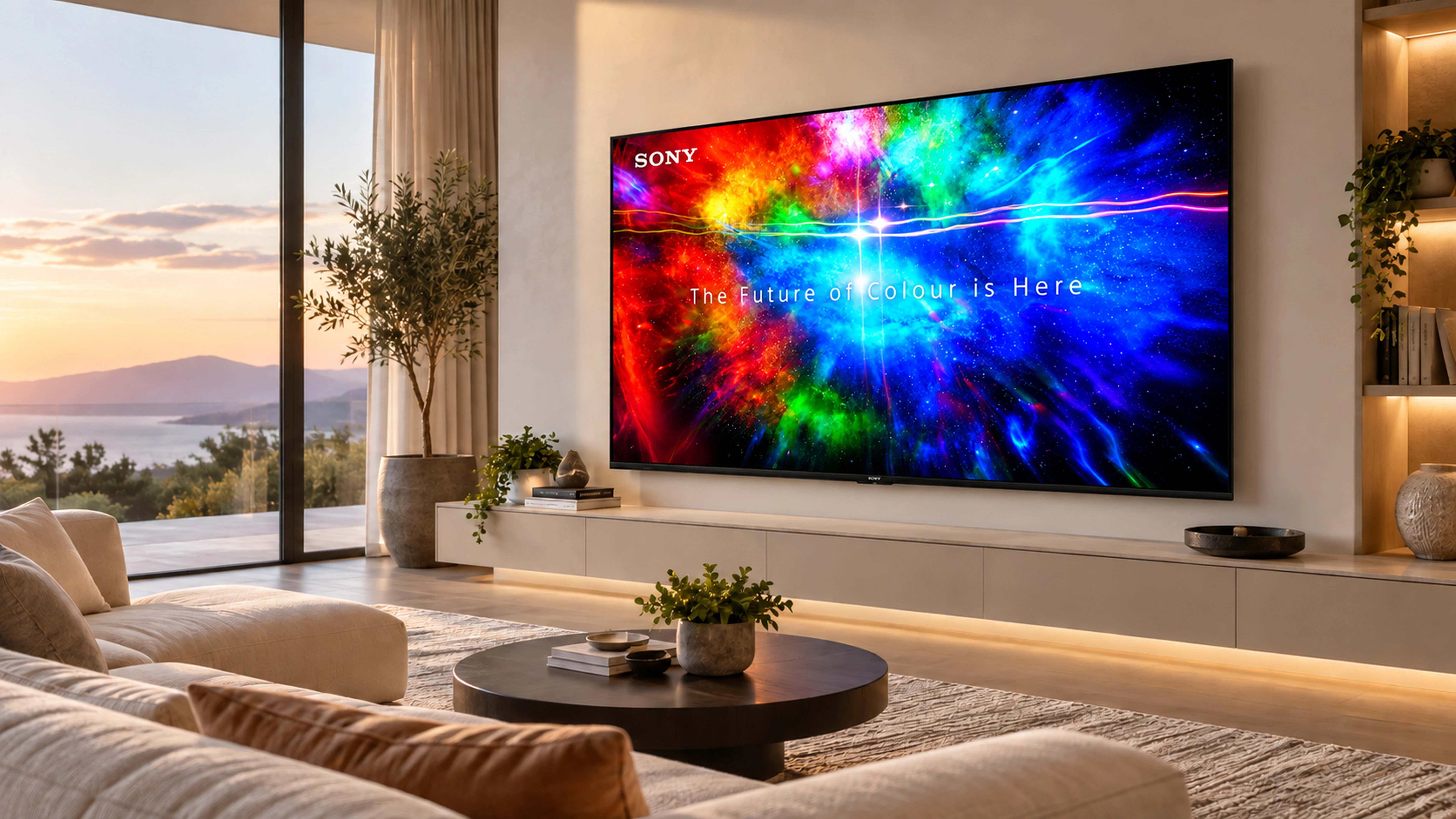
Choose the Right TV for Your Home
Start with room size and viewing habits, then choose display technology. OLED is compelling for deep blacks and cinematic viewing; QLED and Mini LED can suit brighter rooms. Gamers should pay attention to 120Hz, HDMI 2.1, VRR and ALLM on compatible models.
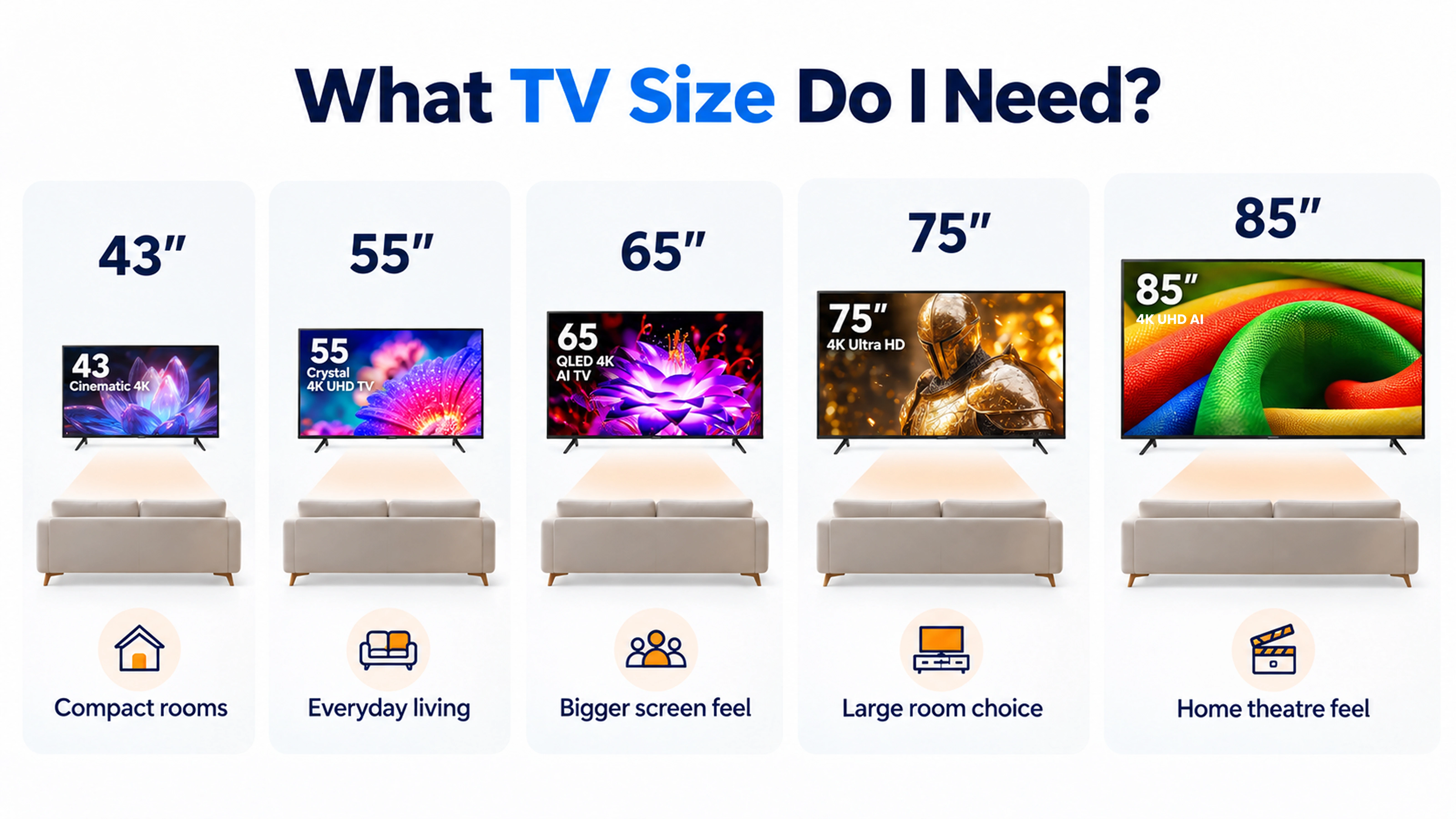
Start with screen size — not the brand
Screen size usually creates the biggest visible difference. Consider viewing distance, wall space and how immersive you want movies, sports and games to feel.
LED, QLED, Mini LED or OLED
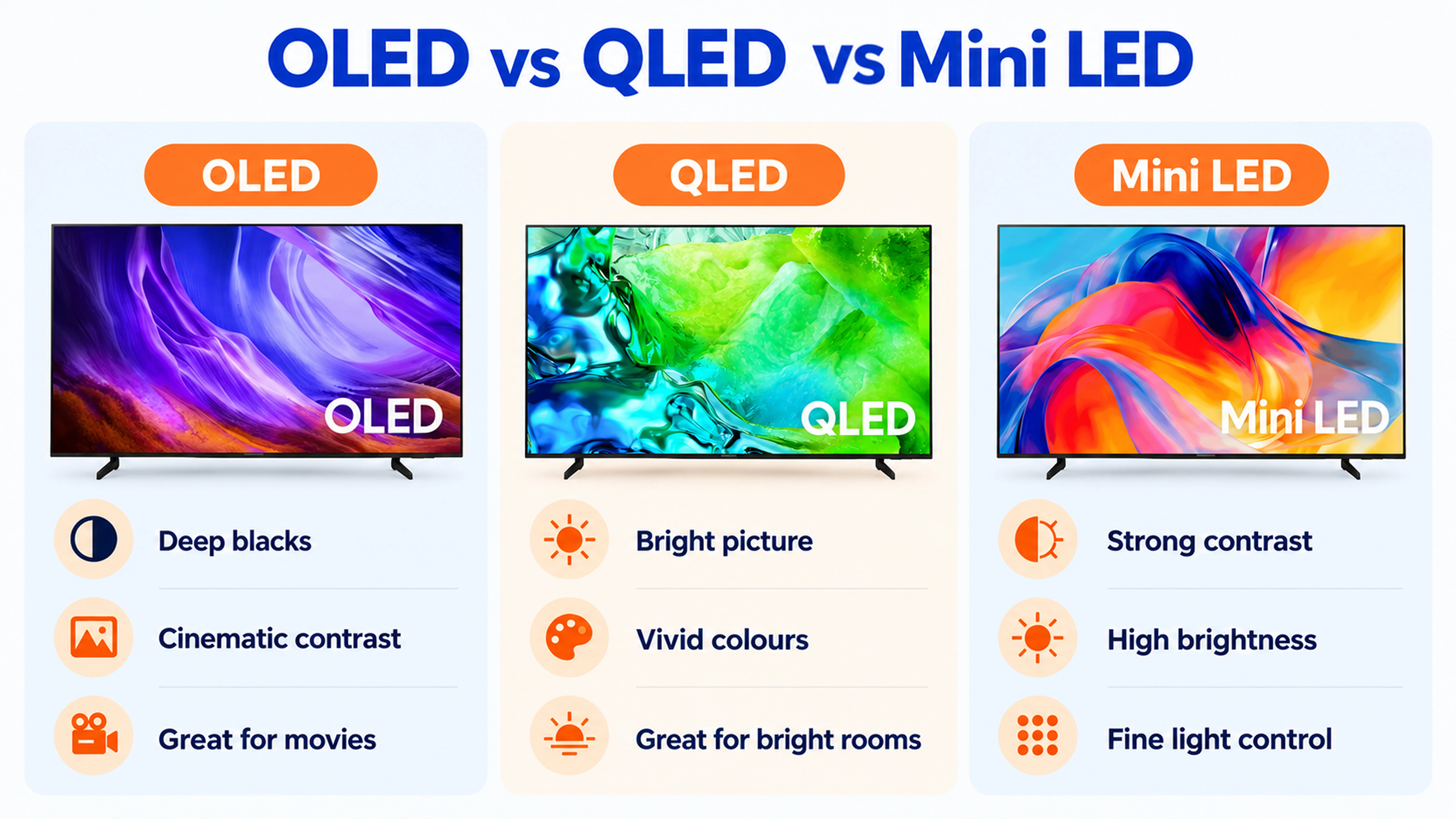
OLED can deliver excellent black levels because individual pixels emit their own light. QLED uses quantum-dot-enhanced LCD technology, while Mini LED uses much smaller backlight LEDs for more precise dimming than conventional LED TVs.
4K, refresh rate, HDMI and smart platform
For most mainstream and premium purchases, 4K is the practical resolution target. Gamers should check 120Hz support, HDMI 2.1, VRR and ALLM on the exact model. Also confirm app support, eARC/ARC, Bluetooth, Wi-Fi and enough HDMI ports.
Movies
Prioritise contrast, black levels and picture processing.
Sports
Look at motion handling, brightness and screen size.
Gaming
Check refresh rate and compatible HDMI gaming features.
Which TV should you buy?
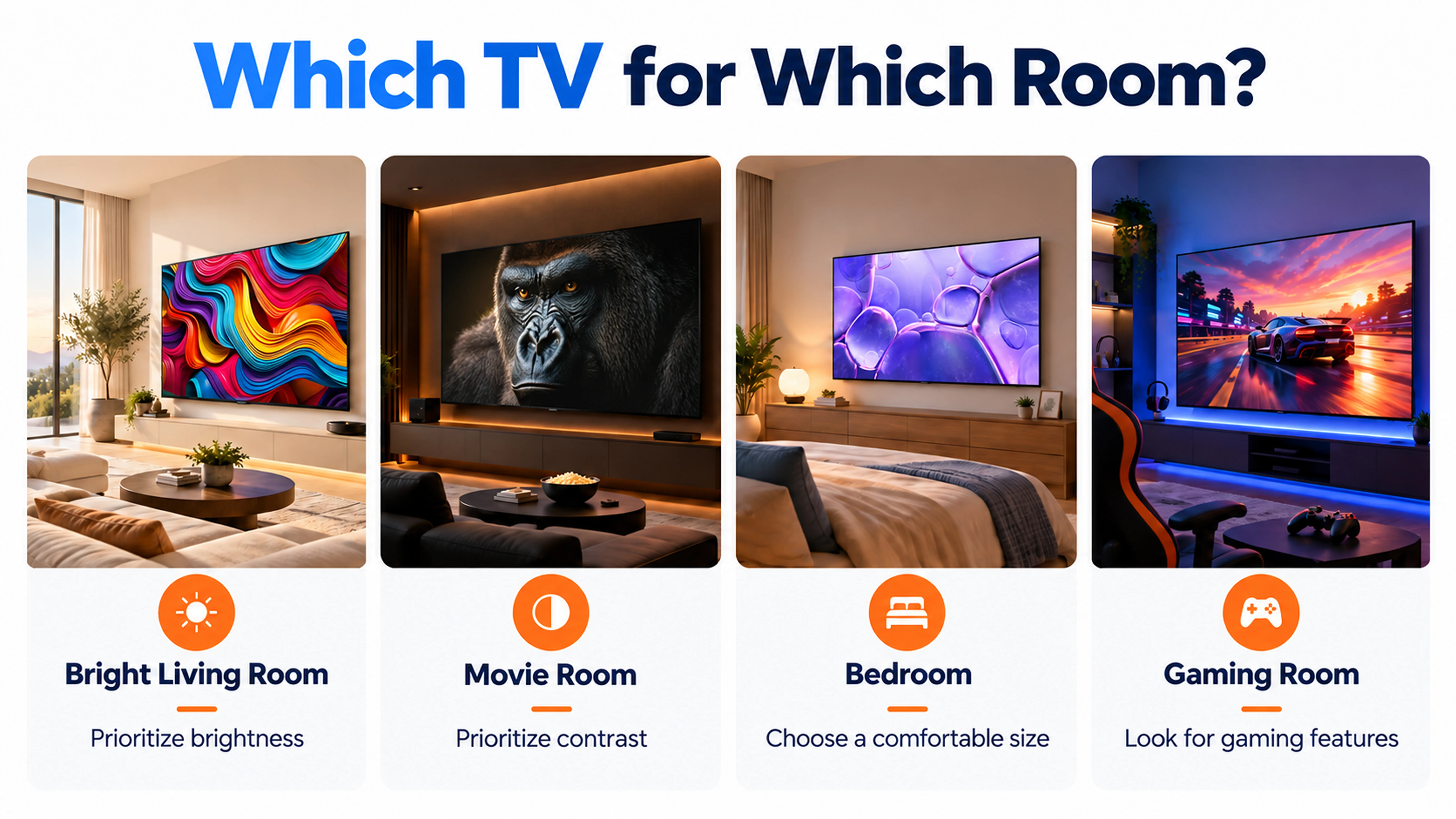
Match the TV to the way you use it most.
Compare high-brightness QLED and Mini LED options.
Compare OLED and premium Mini LED models with strong contrast.
Check 4K 120Hz, HDMI 2.1, VRR and ALLM support on the exact TV.
Popular TV brands
Compare equivalent sizes and technologies rather than choosing only by logo.







Before you buy: TV details that are easy to miss
Compare the exact model specification before making a decision. Features such as refresh rate, HDR formats, HDMI capabilities and smart-app support can vary between models within the same range.
Measure the TV unit or wall space, check the viewing distance, and confirm the stand dimensions and available ports before ordering. A screen that fits diagonally may still not fit the space with its stand.
Compare resolution, HDR support, brightness and picture processing on the exact model.
Verify native refresh rate, HDMI 2.1, VRR and ALLM where these features matter to you.
Check HDMI ports, eARC/ARC, Wi-Fi, Bluetooth and support for your preferred streaming apps.
Compare online. Experience it at BEA.
Use this guide to narrow your shortlist, then compare current products, offers and availability on Bharath Electronics & Appliances. For a closer look, use the store locator or ask for a live video demonstration where available.
Shop current models
Link this page to the live category and relevant subcategories.
Find a nearby store
Use the BEA store locator instead of keyword-stuffing every city into the article.
Get product guidance
Encourage customers to compare real features, dimensions and current offers.
Ready to shortlist your next TV?
Explore current models at Bharath Electronics & Appliances or find a showroom near you.
Shop at BEA →Frequently asked questions
Is OLED better than QLED?
OLED is known for pixel-level blacks and contrast, while many QLED models prioritise brightness. Room conditions and use should decide.
Do I need a 120Hz TV?
It is especially useful for compatible gaming and can help motion, but it is not essential for every viewer.
Is 4K enough?
For most mainstream TV sizes and content, 4K remains the practical target.